With Drive One, you warn others about speed controls and other dangers in traffic using the button on the device Drive One 3 device
You can quickly report incidents directly from your Drive One 3 device:
Press the “center disk” once to report a mobile speed camera.
Press the “center disk” twice to report a danger on the road.
Press the “center disk” thrice to report a vehicle stopped in the emergency lane.
Reports are shared with other Drive One users to help improve road safety.
Confirm or reject warnings:
Confirming and Rejecting Warnings
Press the centre disk once to confirm that you can see the reported incident.
Press the top button once to reject it when you cannot see or confirm the incident.
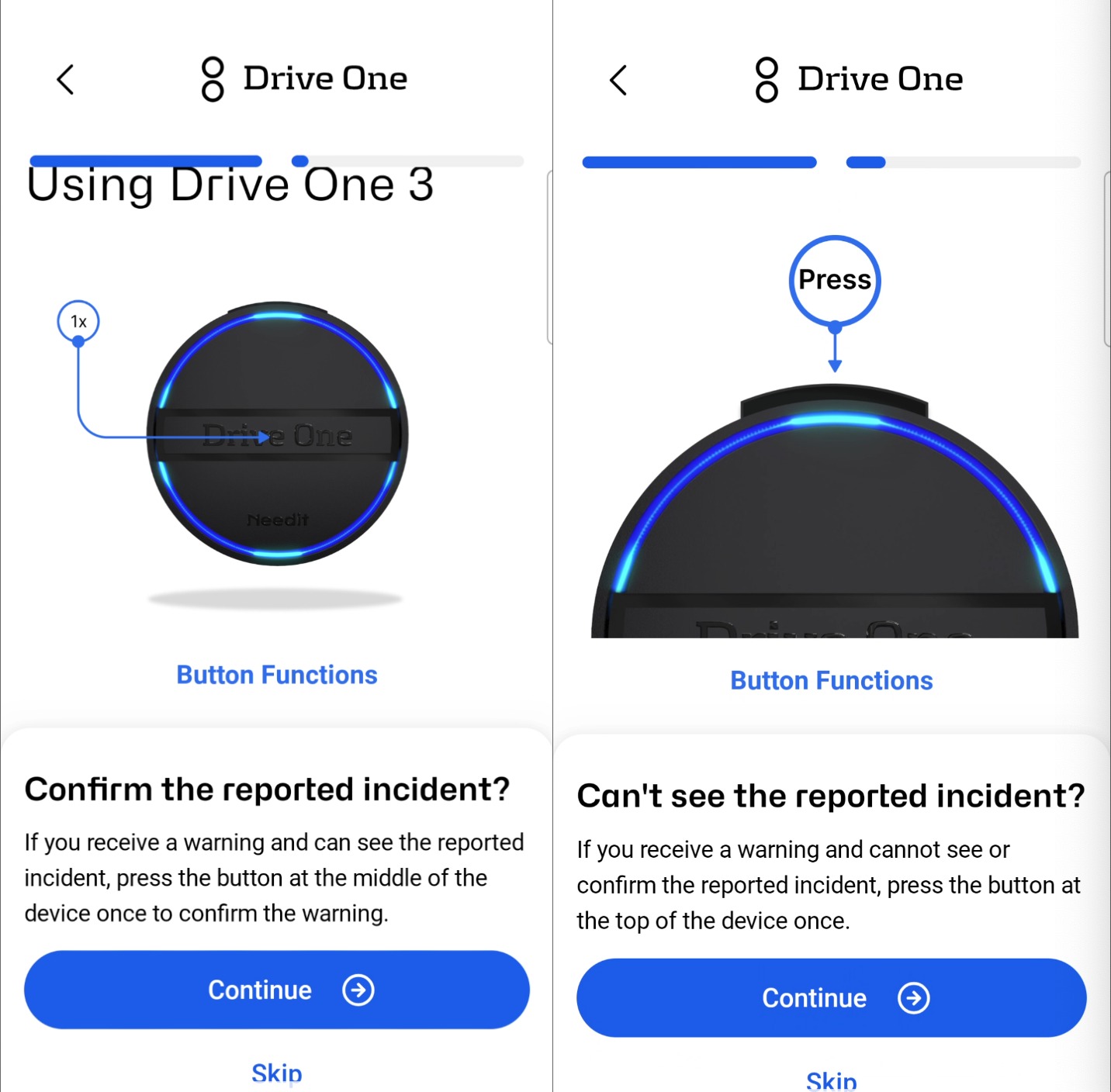
If you and other users do not confirm a warning, it will gradually be downgraded and will eventually disappear as an active warning.
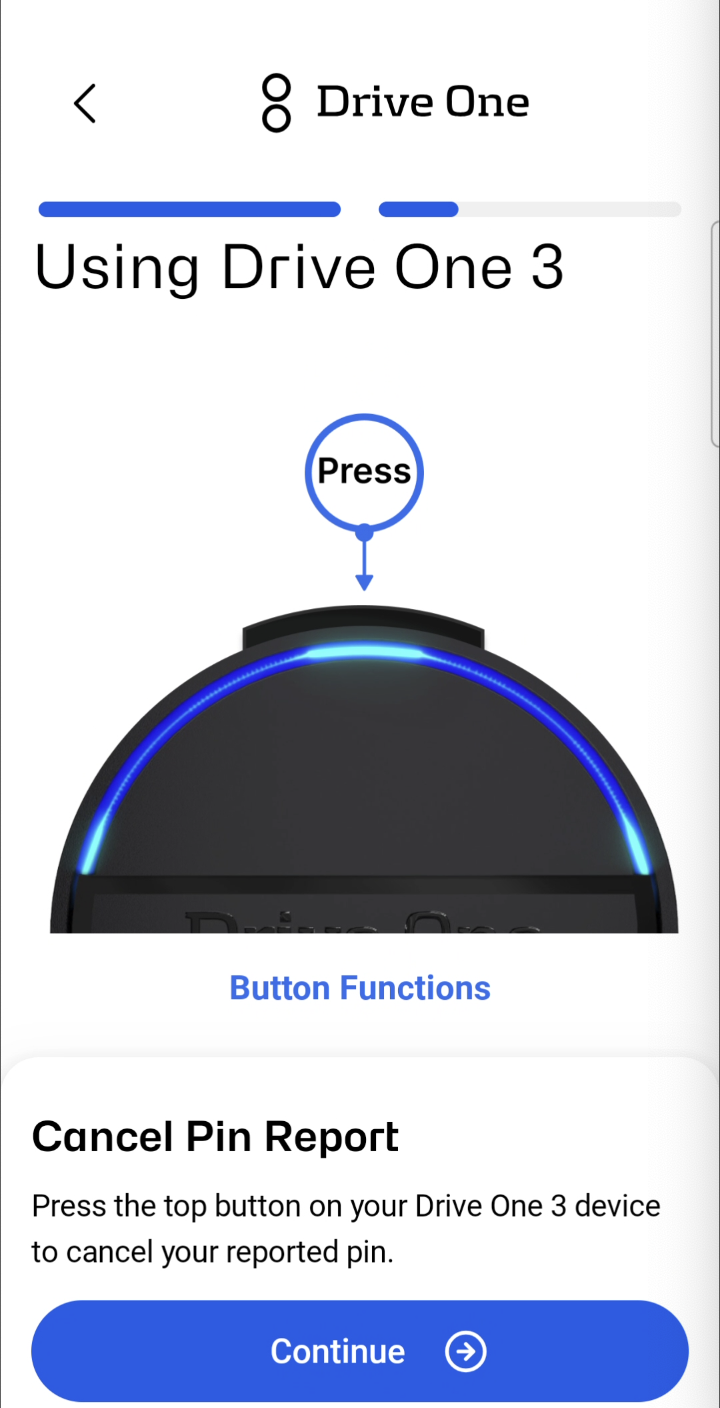
Cancel pin reporting
If you have mistakenly reported a pin, press the top button to cancel your reported pin
Was this article helpful?
That’s Great!
Thank you for your feedback
Sorry! We couldn't be helpful
Thank you for your feedback
Feedback sent
We appreciate your effort and will try to fix the article