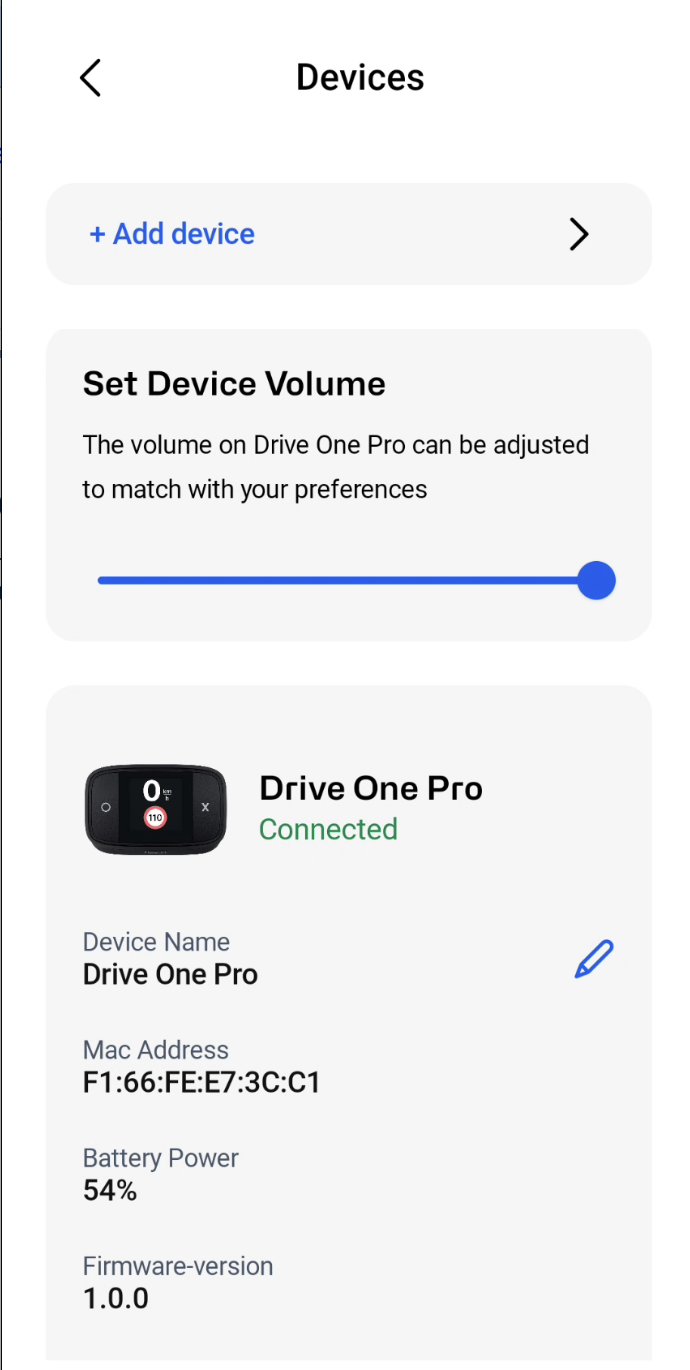
1. Go to devices in the settings menu and select your Drive One Pro device.
2. Use the volume slider under Set Device Volume to adjust the device volume according to your preference. When the device is connected you can move the volume slider to test the sound and set as per your preference.
Was this article helpful?
That’s Great!
Thank you for your feedback
Sorry! We couldn't be helpful
Thank you for your feedback
Feedback sent
We appreciate your effort and will try to fix the article