Turning Your Device Off
Turn Off Drive One Pro
Press and hold the “O” button for 5 seconds to power off the device.
Please note: Drive One Pro will automatically power down after a period of inactivity (when the vehicle is not moving).
Manual power off is only recommended:
When charging the device at home (to avoid connection sounds), or
If the device will not be used for an extended period
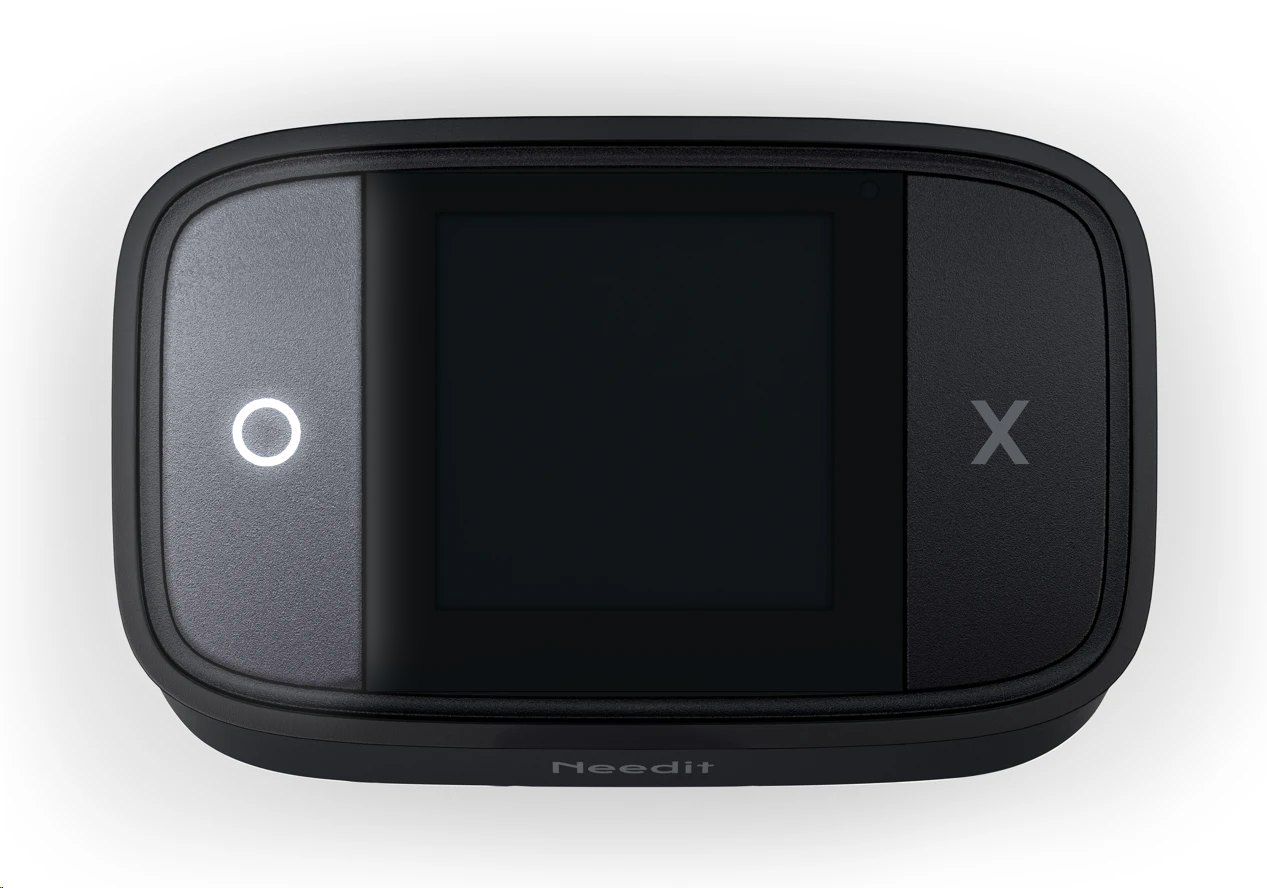
Turning Your Device On
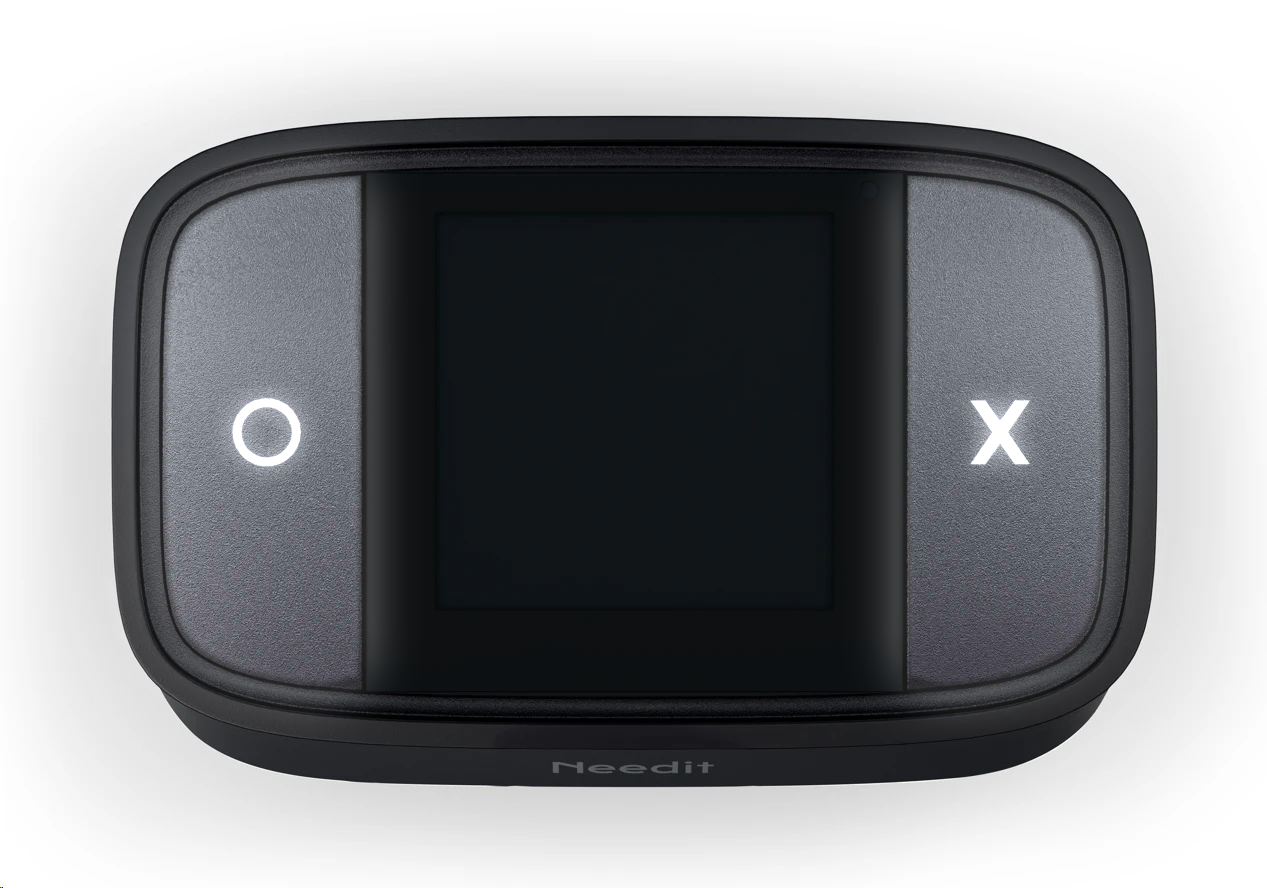
Press and hold any of buttons for approximately 5 seconds until the device turns on.
Was this article helpful?
That’s Great!
Thank you for your feedback
Sorry! We couldn't be helpful
Thank you for your feedback
Feedback sent
We appreciate your effort and will try to fix the article