You can add as many drive one devices to your account as you need.
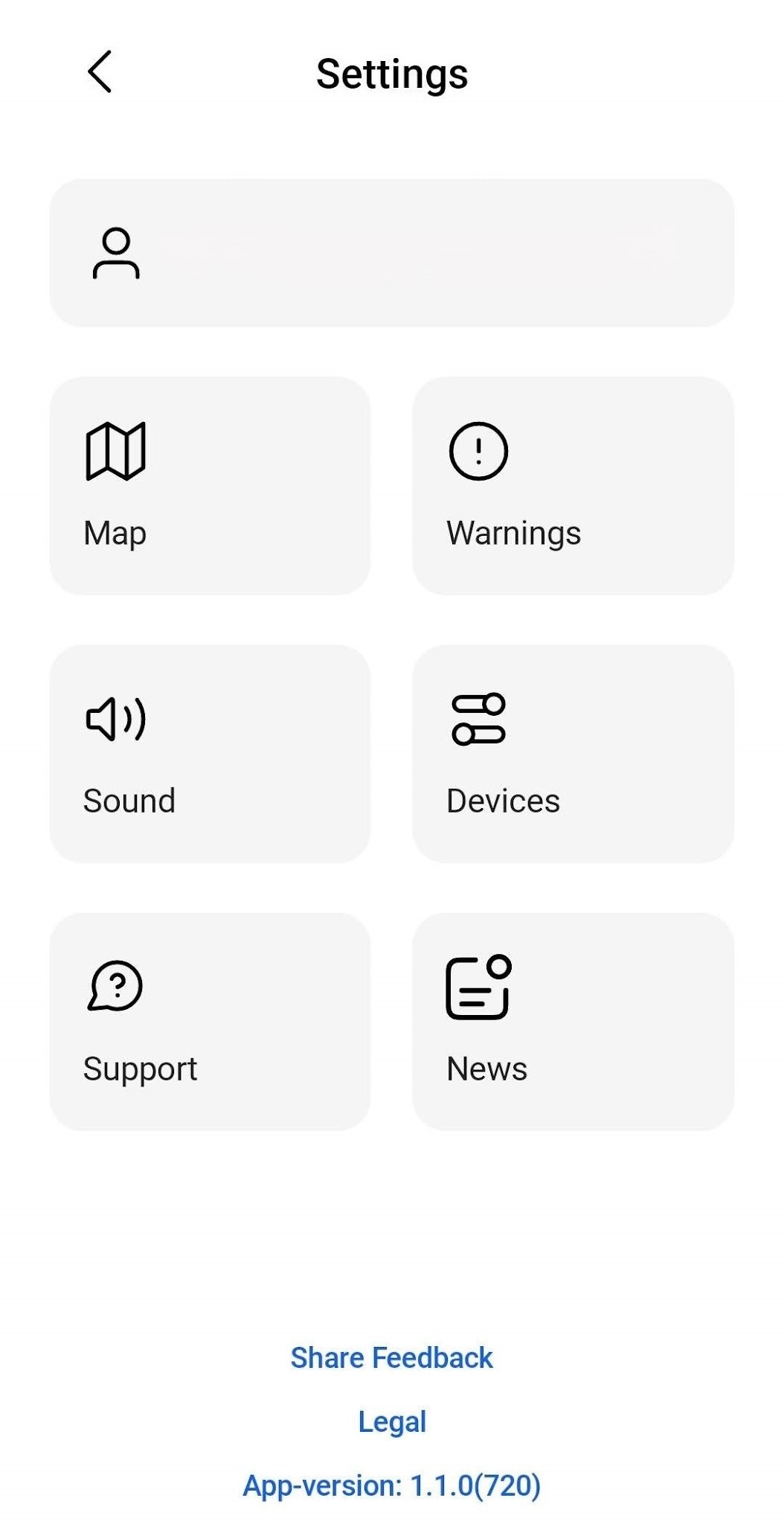
To add an additional Drive One device, open the app.
From the map view, click the settings icon to go to the menu.
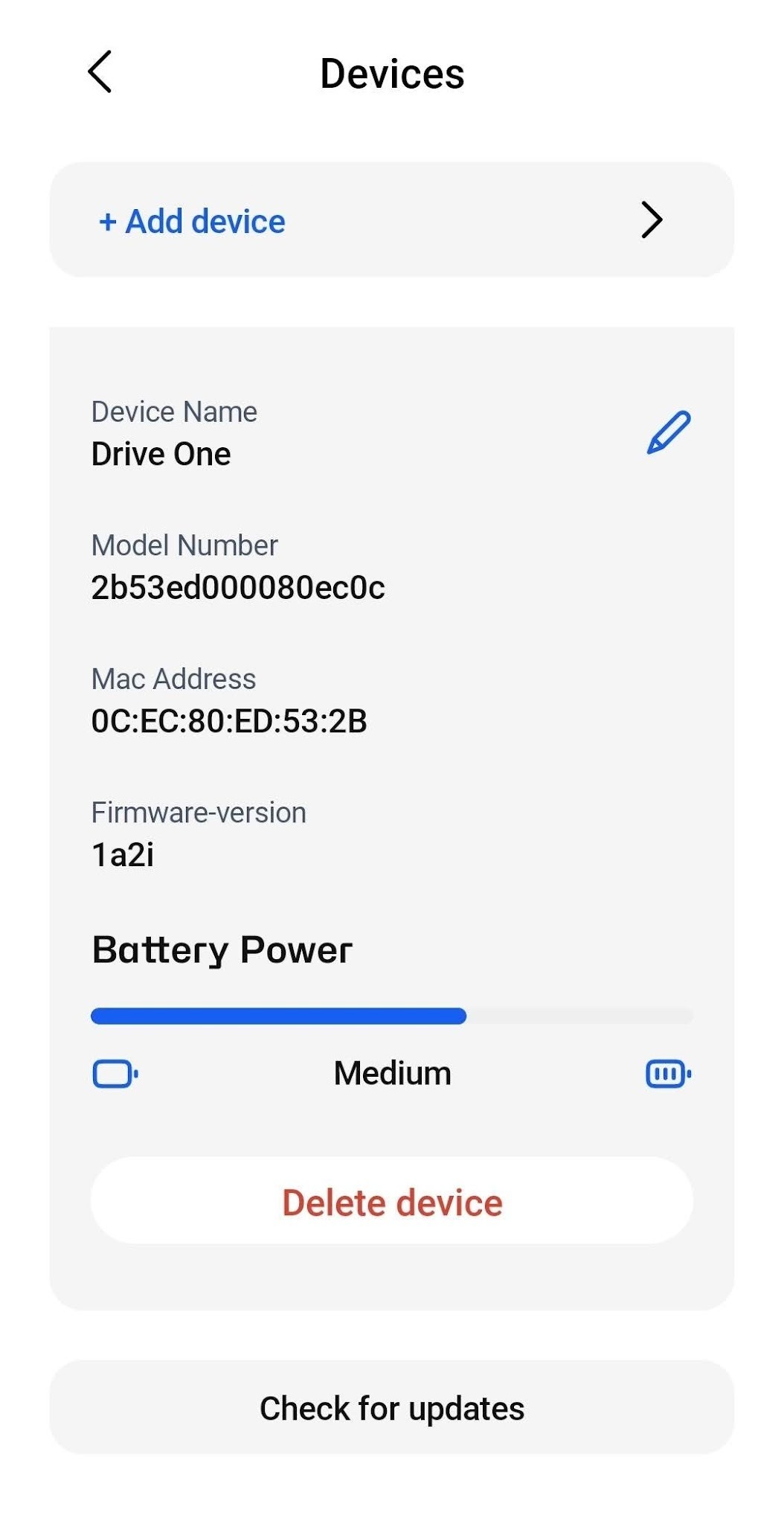
From the bottom of the Drive One devices list, click "Add device" to add a new device.
Then follow the directions on how to add the new device to your account.
Pair Your new Drive One Pro Device
To connect your Drive One Pro with the app:
Open the Drive One app.
Go to Settings → Devices.
Tap Add Device.
Select Drive One Pro on available devices page
Tap on Add Device
You will see Drive One Pro will be added on the Devices screen.
Once the connection to Drive One Pro is established, when you are stationary, it will display 0 km/h and in case you are on road, you can also see a speed sign with the permitted speed that is allowed on the road you are on.
Was this article helpful?
That’s Great!
Thank you for your feedback
Sorry! We couldn't be helpful
Thank you for your feedback
Feedback sent
We appreciate your effort and will try to fix the article