This article applies to: Drive One Pro
Battery and Charging Guide
Use the included USB‑C cable and connect it to a power source.
Charge the device for at least 3 hours to reach a full battery.
Charging status:
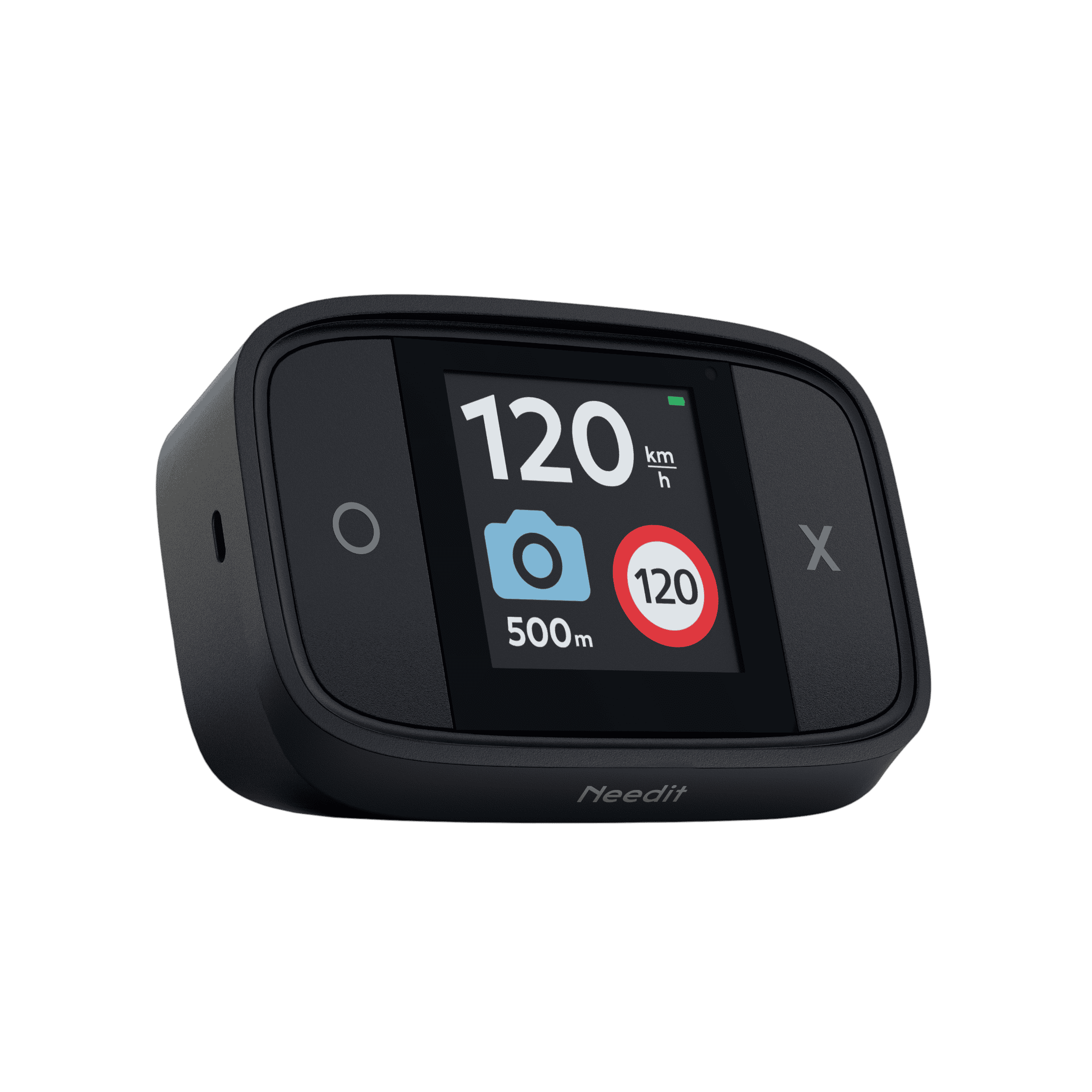
If the device is on, a charging animation appears in the top‑right corner.
If the device is off, it charges silently.
To turn the device on or off while charging, press and hold the “O” button for 3–5 seconds.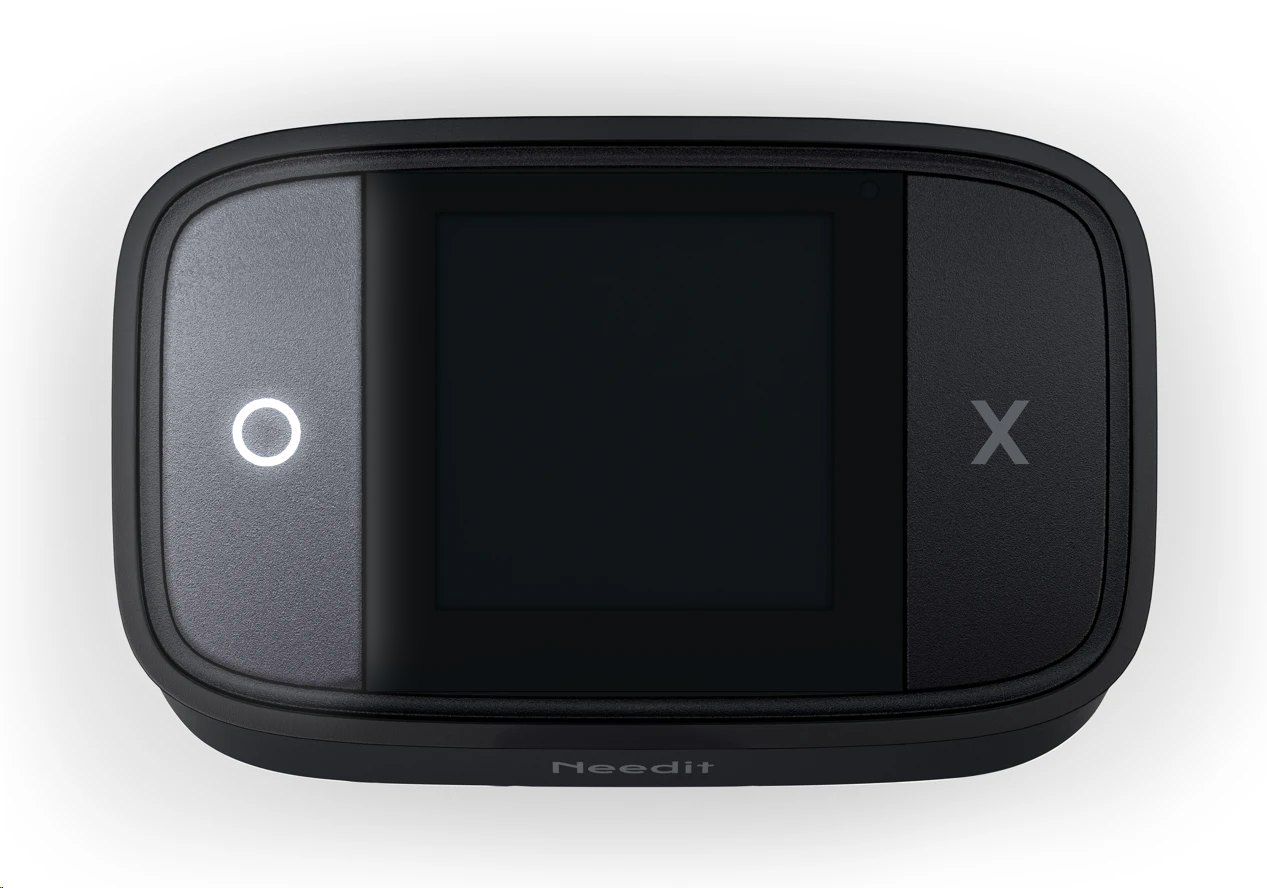
Charging recommendations:
- Use the supplied charging cable
- Avoid extremely hot environments
- Fully charge before first use
- Charge regularly for best battery health
Was this article helpful?
That’s Great!
Thank you for your feedback
Sorry! We couldn't be helpful
Thank you for your feedback
Feedback sent
We appreciate your effort and will try to fix the article